Chromascribe
Chromascribe
Helping qualitative researchers compare answers, not hunt through transcripts
Helping qualitative researchers compare answers, not hunt through transcripts
I turned an old, local academic prototype into a secure, research-ready qualitative analysis tool for remote study sessions.
I turned an old, local academic prototype into a secure, research-ready qualitative analysis tool for remote study sessions.
Role
Role
Product designer and developer
Product designer and developer
Scope
Scope
Authentication, deployment, research workflow, question-based visualization, transcript editing, theme tagging, UX research support
Authentication, deployment, research workflow, question-based visualization, transcript editing, theme tagging, UX research support
Team
Team
Professor, PhD researcher,
UX researchers, and developers
Professor, PhD researcher,
UX researchers, and developers
Timeline
Timeline
May 2024 - April 2025
May 2024 - April 2025
In evaluation, the broader workflow was associated with a
In evaluation, the broader workflow was associated with a
The product was informed by
The product was informed by
TL;DR
TL;DR
ChromaScribe began as a single-page prototype that was difficult to access, unsafe for sensitive research data, and organized around individual transcripts.
I first made the tool usable for remote research by adding invite-based authentication and coordinating reliable university hosting. Then, based on focus-group findings, I helped redesign the analysis workflow around the researcher’s real unit of comparison: the question.
The final experience let researchers compare answers across participants, inspect the supporting transcript evidence, and edit or refine theme tags without losing context.
ChromaScribe began as a single-page prototype that was difficult to access, unsafe for sensitive research data, and organized around individual transcripts.
I first made the tool usable for remote research by adding invite-based authentication and coordinating reliable university hosting. Then, based on focus-group findings, I helped redesign the analysis workflow around the researcher’s real unit of comparison: the question.
The final experience let researchers compare answers across participants, inspect the supporting transcript evidence, and edit or refine theme tags without losing context.
Making the prototype research-ready
Making the prototype research-ready
The research could not begin until the product was ready
The research could not begin until the product was ready
ChromaScribe was an older, local prototype. It was not deployed for remote use and had no login or access controls, even though the study would involve sensitive research data.
ChromaScribe was an older, local prototype. It was not deployed for remote use and had no login or access controls, even though the study would involve sensitive research data.
Before improving the analysis experience, I made the product usable for real study sessions.
Before improving the analysis experience, I made the product usable for real study sessions.

My first decision: make controlled remote access possible
My first decision: make controlled remote access possible
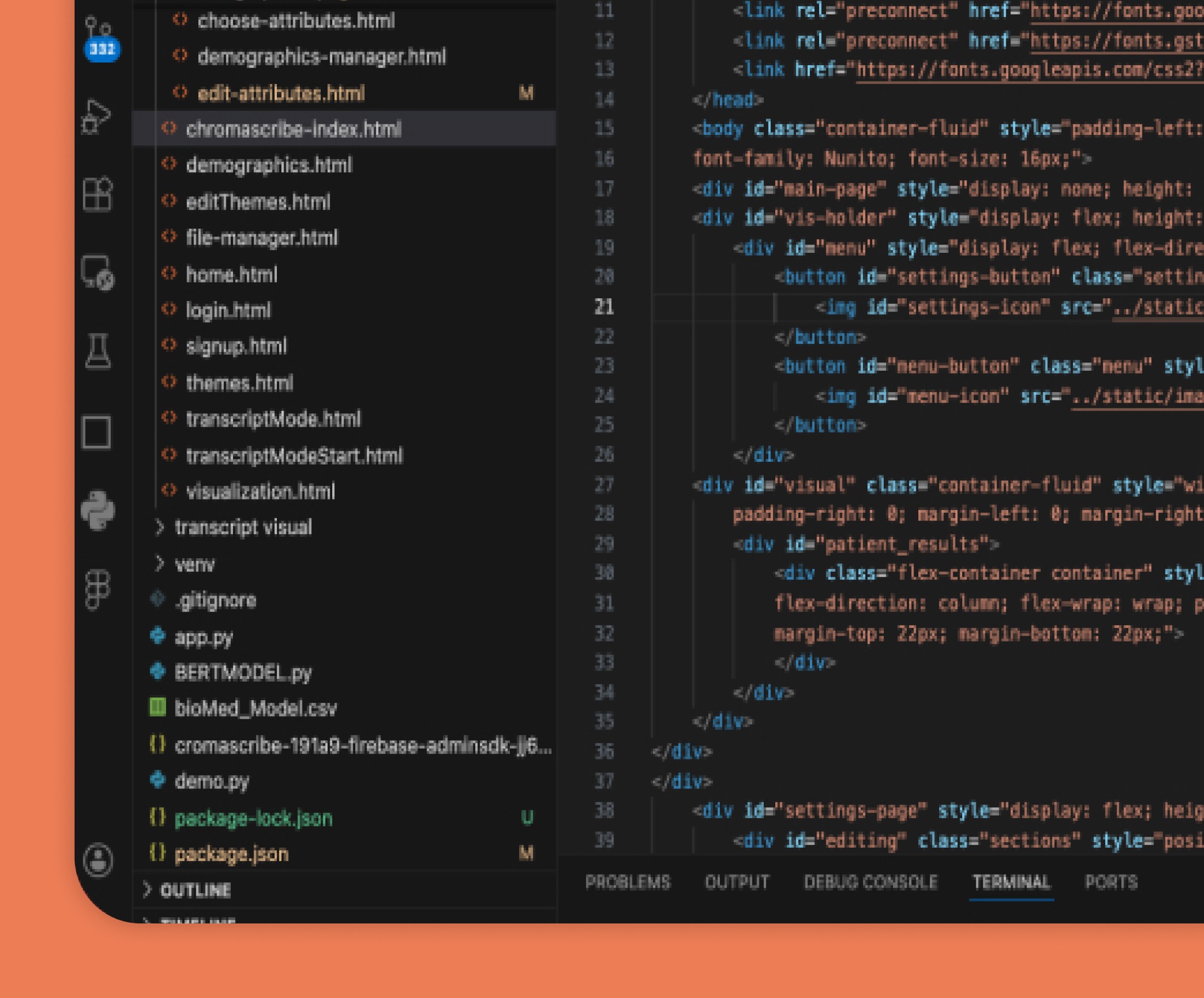
I built Firebase invite-code onboarding and login verification, then coordinated a move from Render’s free tier to university hosting when load times and downtime threatened remote sessions.
I built Firebase invite-code onboarding and login verification, then coordinated a move from Render’s free tier to university hosting when load times and downtime threatened remote sessions.
I treated authentication as a research-enablement decision: without controlled access, the team could not safely run remote sessions or gather meaningful feedback.
I treated authentication as a research-enablement decision: without controlled access, the team could not safely run remote sessions or gather meaningful feedback.
Deployment reliability was part of the experience
Deployment reliability was part of the experience
With a secure, stable environment in place, the team could finally observe how researchers worked with transcript data.
With a secure, stable environment in place, the team could finally observe how researchers worked with transcript data.
The workflow
Starting with a tool that was not ready for testing
Before we could learn from researchers, the product needed to be stable and usable enough to test. I started by cleaning up the older web tool, improving the codebase, and hosting it live so the team could run remote studies and focus groups.
That work was important because it moved the project from concept territory into something researchers could actually interact with.
Making large transcript sets easier to scan
One of the biggest workflow improvements I implemented was around transcript navigation. I contributed in adding:
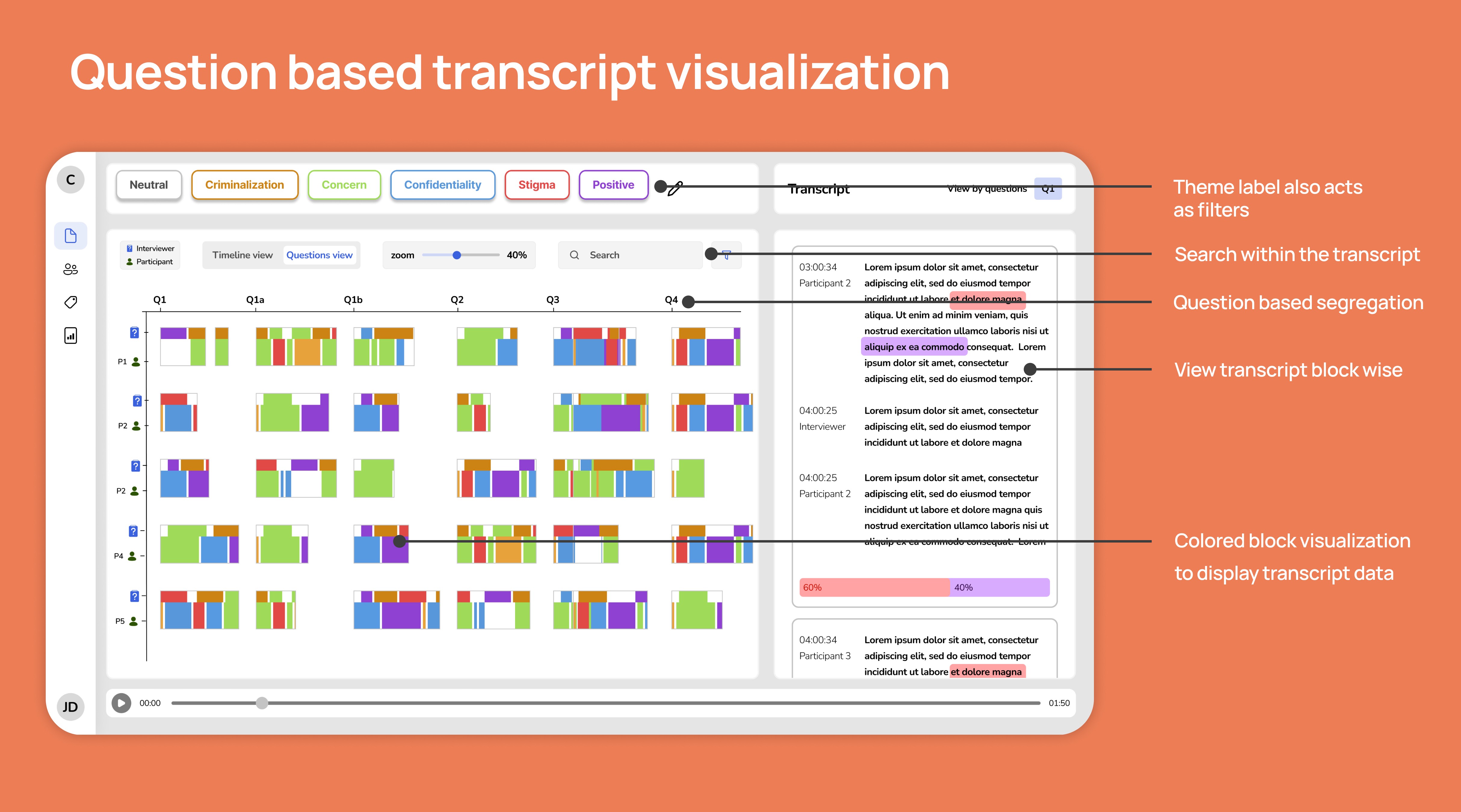
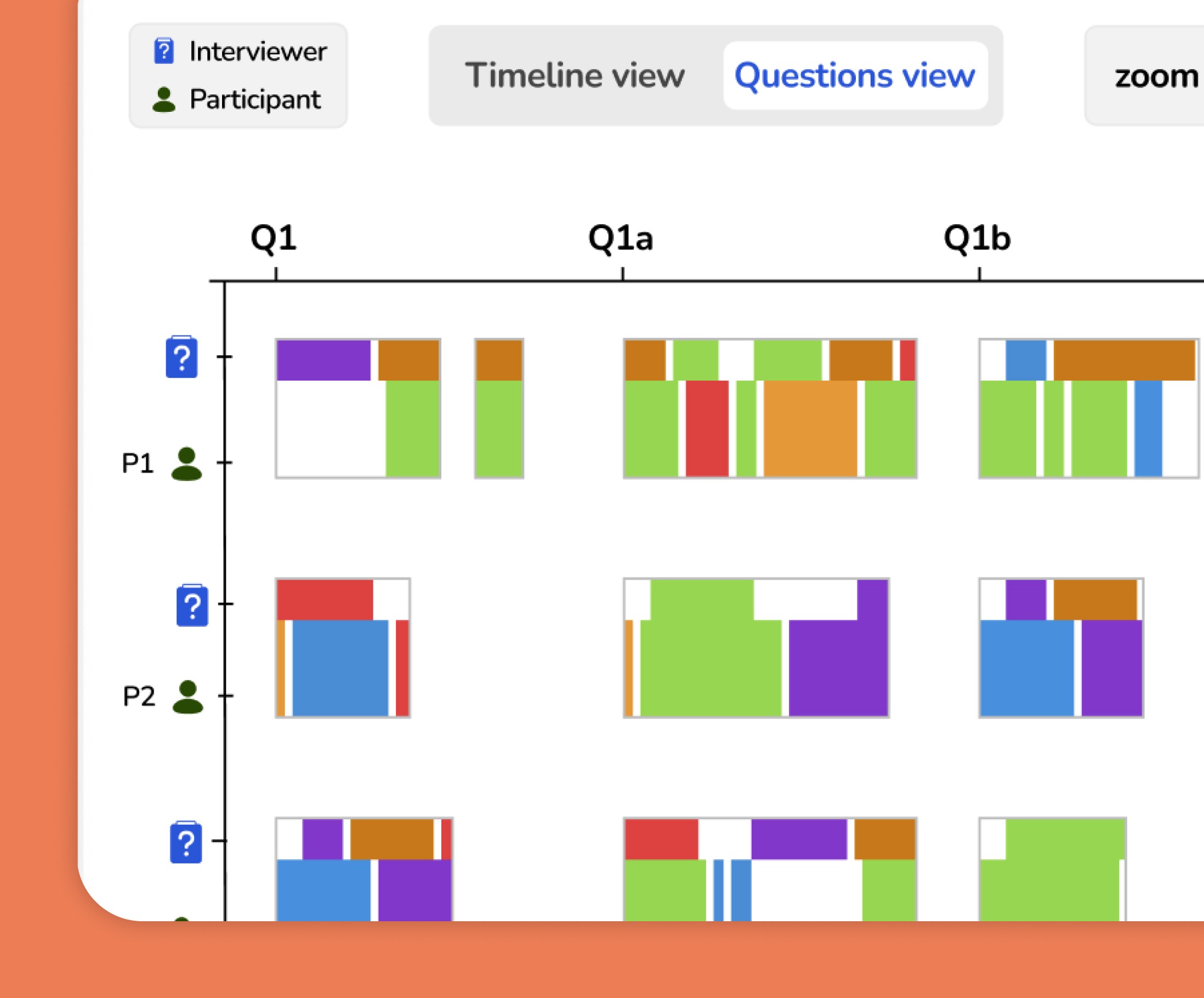
The question-based view made it easier to compare responses across participants without forcing researchers to read every transcript linearly. Instead of digging through full conversations one by one, they could move directly into grouped responses around the same prompt.
Designing for comparison, not just reading
A key part of Chromascribe’s value was helping researchers compare patterns across data, not just read one transcript at a time.
To support that, the product used a timeline-like visualization with color-coded themes across participant rows. This gave researchers a higher-level way to scan where themes appeared, then drill into transcript details when needed.
Because I was implementing the product directly, I was also able to work closely with the UX team on layout and element placement, helping balance researcher needs with what was realistically achievable in the interface.
Researchers wanted to compare answers, not just read transcripts
The analytical task did not match the file structure
In focus groups, researchers explained that they often needed to compare how participants answered the same question.

Yet the existing workflow was organized around individual transcripts.
Because questions appeared in different positions across interviews, researchers had to search through each transcript and manually reconstruct patterns.
Research insight
The meaningful unit of analysis was often the question, not the individual transcript.
How might we help researchers compare responses to the same question across participants, even when interviews follow different question orders?
Choosing a comparison model
Choosing a comparison model
We explored how to make cross-participant patterns readable
We explored how to make cross-participant patterns readable
We explored different axis arrangements, cumulative views, and separate question lanes. A cumulative view showed more information at once, but mixed unrelated prompts and made focused comparison harder.
We explored different axis arrangements, cumulative views, and separate question lanes. A cumulative view showed more information at once, but mixed unrelated prompts and made focused comparison harder.
Decision: use separate question lanes
Decision: use separate question lanes
We chose separate lanes so researchers could focus on one question at a time.
We chose separate lanes so researchers could focus on one question at a time.
The final comparison view used participants as rows and questions as columns. This made it easier to scan how responses and theme tags appeared across the dataset without blending unrelated questions into the same visual field.
The final comparison view used participants as rows and questions as columns. This made it easier to scan how responses and theme tags appeared across the dataset without blending unrelated questions into the same visual field.
The next challenge was ensuring the overview led researchers back to the evidence behind each pattern.
The next challenge was ensuring the overview led researchers back to the evidence behind each pattern.
From pattern to proof
From pattern to proof
The visualization needed to preserve source evidence
The visualization needed to preserve source evidence
I contributed to a Python-based question-segregation workflow that grouped equivalent responses across transcripts, even when questions appeared in different positions.
I contributed to a Python-based question-segregation workflow that grouped equivalent responses across transcripts, even when questions appeared in different positions.
Making large transcript sets easier to scan
Making large transcript sets easier to scan
One of the biggest workflow improvements I implemented was around transcript navigation. I contributed in adding:
One of the biggest workflow improvements I implemented was around transcript navigation. I contributed in adding:

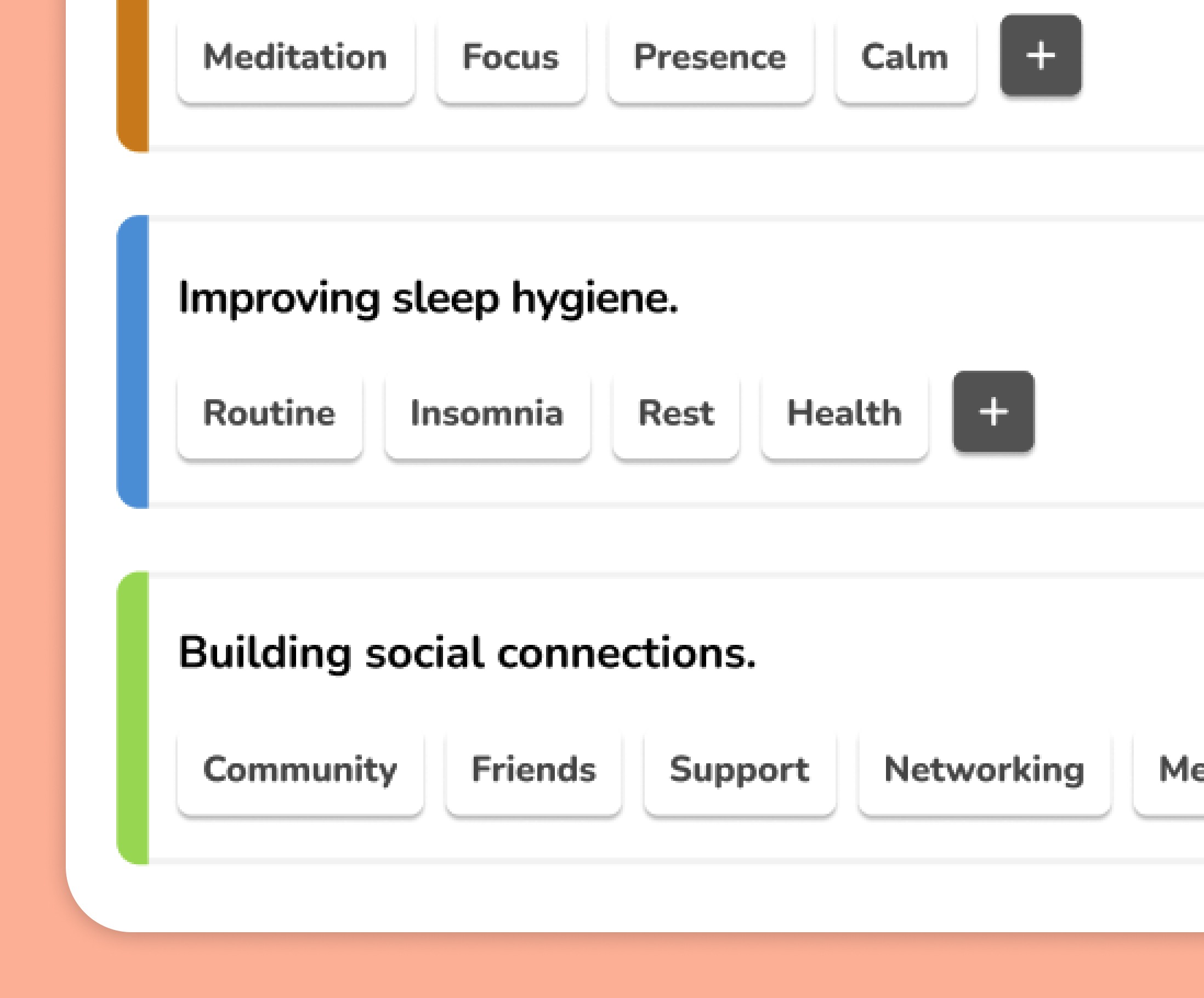
Timeline view
Timeline view
Helps researchers scan patterns and supports discovery
Helps researchers scan patterns and supports discovery

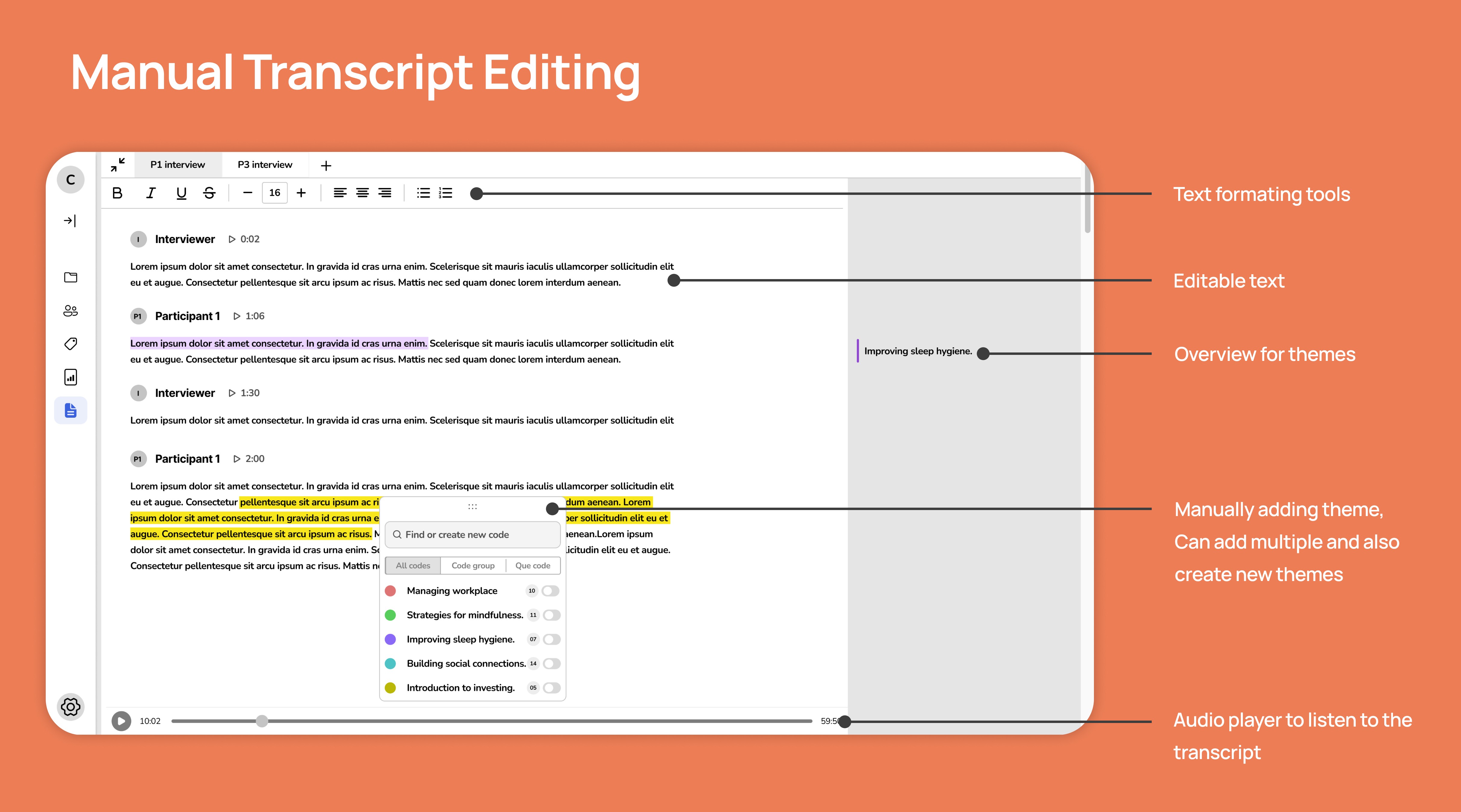
Manual Transcript editor
Manual Transcript editor
Helps researchers inspect and modify transcript-level data, returns to the evidence, supports interpretation and correction
Helps researchers inspect and modify transcript-level data, returns to the evidence, supports interpretation and correction
My Contribution
My Contribution
Working with research, design, and implementation
Working with research, design, and implementation
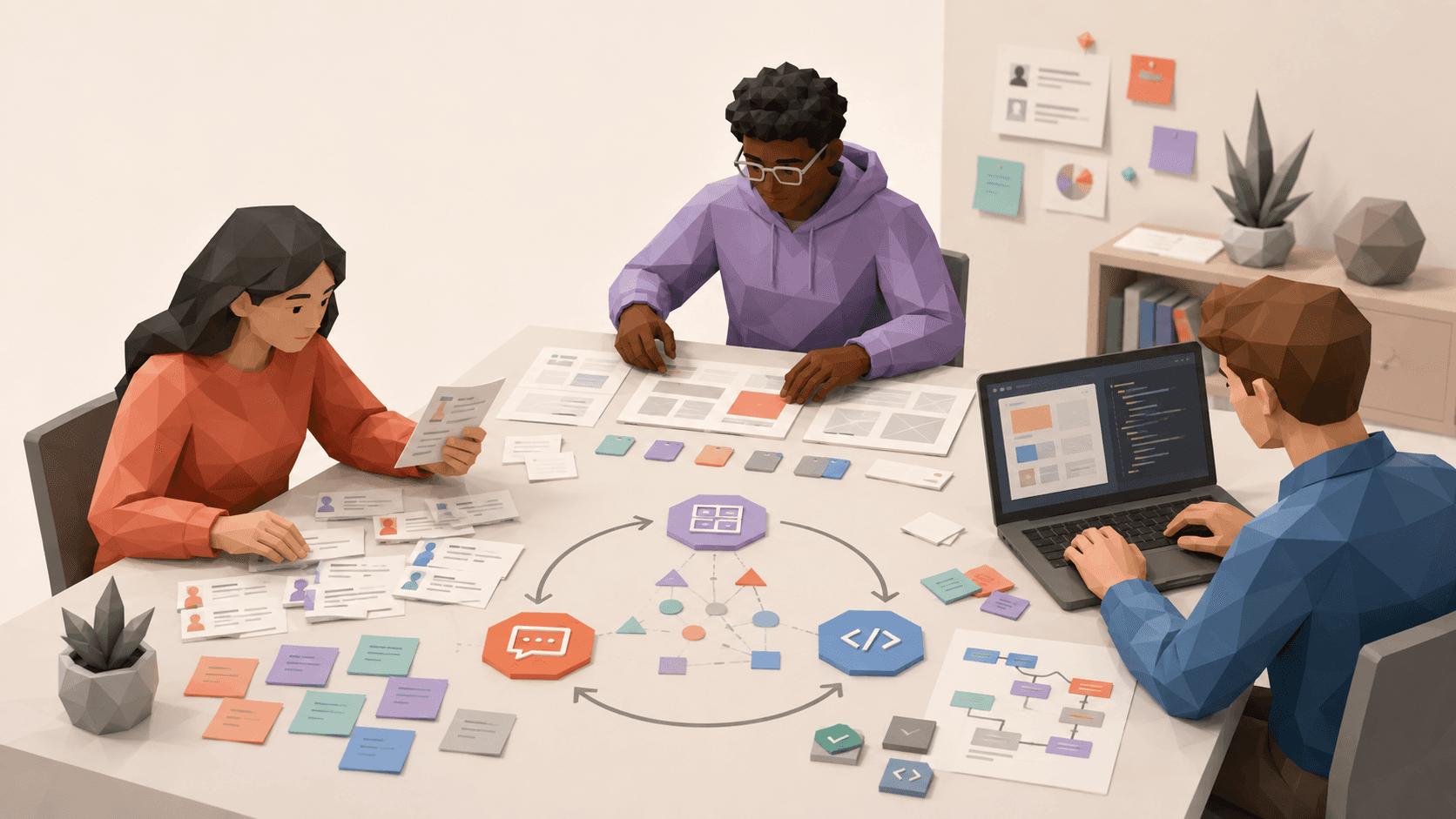
I collaborated with the professor, PhD researcher, UX researchers, and developers to translate research findings into feasible interaction and implementation decisions. I also supported focus groups, user interviews, usability testing, and research documentation.
I collaborated with the professor, PhD researcher, UX researchers, and developers to translate research findings into feasible interaction and implementation decisions. I also supported focus groups, user interviews, usability testing, and research documentation.
Outcomes
Outcomes
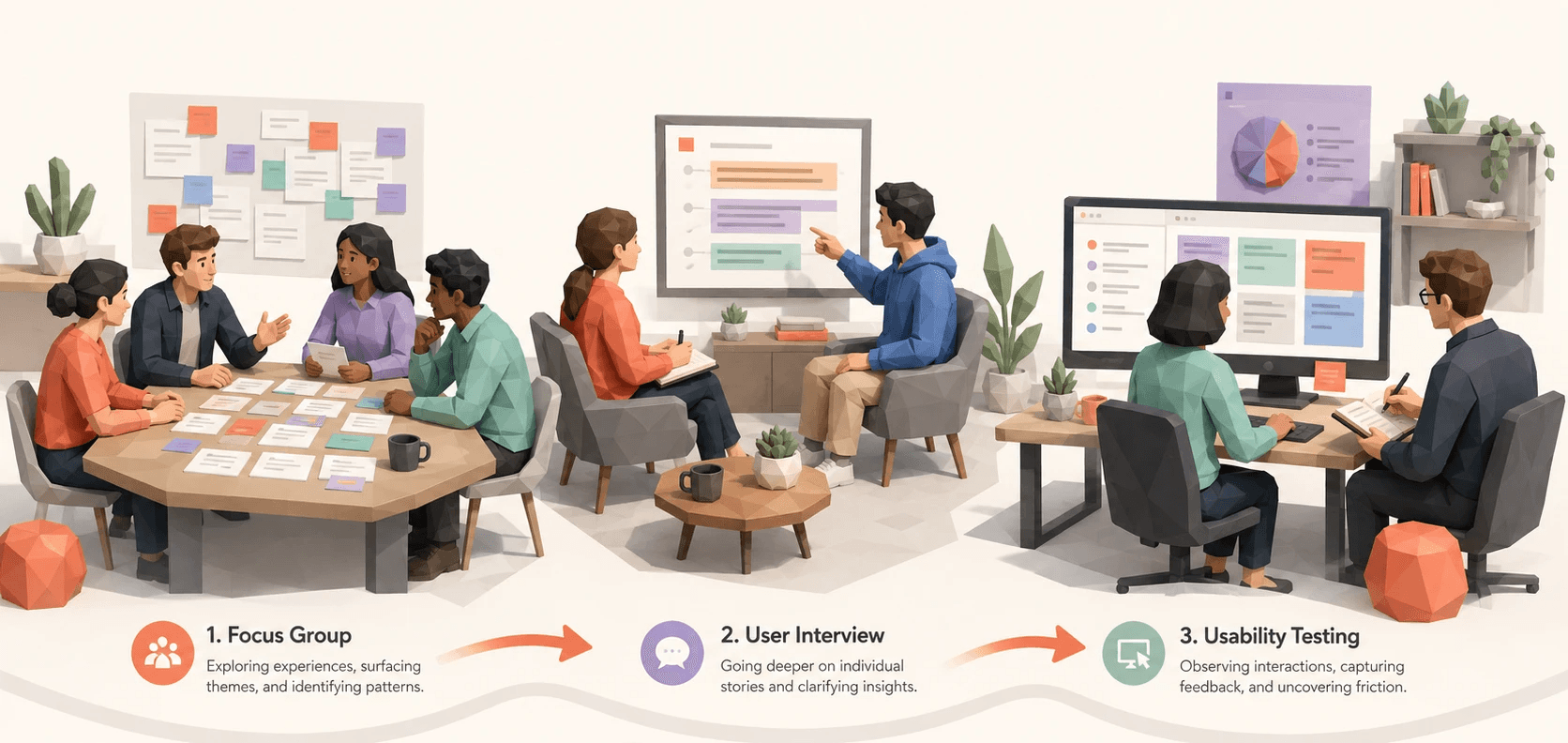
ChromaScribe became a live, research-ready qualitative analysis tool for remote study sessions. The workflow was evaluated through focus groups, user interviews, and usability testing.
ChromaScribe became a live, research-ready qualitative analysis tool for remote study sessions. The workflow was evaluated through focus groups, user interviews, and usability testing.
Reflection
Reflection
ChromaScribe taught me to design around an expert’s analytical task, not the system’s file structure.
I also learned that reliable access and hosting are product decisions when they determine whether research can happen at all.
ChromaScribe taught me to design around an expert’s analytical task, not the system’s file structure.
I also learned that reliable access and hosting are product decisions when they determine whether research can happen at all.
Next, I would make AI-generated grouping more transparent through confidence cues and clearer correction controls.
Next, I would make AI-generated grouping more transparent through confidence cues and clearer correction controls.